
How to make patent drawings in Visio, PowerPoint or draw.io
Short answer: yes, all three work if you set the sheet up first. Use US Letter or A4 portrait, keep the drawing inside the 37 CFR 1.84(g) margins (top 2.5 cm (1 inch), left 2.5 cm (1 inch), right 1.5 cm (5/8 inch), bottom 1 cm (3/8 inch)), draw in black with one line weight and no fill, make capital letters at least 0.32 cm (9.07 pt) high, which is about 12.7 pt in Arial, and export a PDF with one page per sheet. Then run the PDF through a checker. The slow part is not the setup but keeping numerals consistent by hand. Menu paths below come from each vendor’s help pages, checked 2026-11-11.
The same five steps in every program
1. Page size and margins
37 CFR 1.84(f) allows A4 or US Letter, and all sheets in an application must be the same size. The minimum margins are top 2.5 cm (1 inch), left 2.5 cm (1 inch), right 1.5 cm (5/8 inch), bottom 1 cm (3/8 inch). None of the three programs has a patent mode, so mark the margins yourself with a temporary rectangle and delete it before export: the rule says no frame goes around the sight.
2. Line weight, color and fill
1.84(l) asks for lines that are black, clean, uniformly thick and heavy enough to reproduce, with no number given. Choose one weight for every outline and arrow. 1.84(m) bars solid black shading. Set outlines to black, fills to none or white, and turn off shadows, gradients and theme colors.
3. Letter height
1.84(p)(3) sets numbers, letters and reference characters at least 0.32 cm (1/8 inch) high. Programs ask for a font size in points, not a capital height, so convert: 0.32 cm is 9.07 pt of capital height. Arial capitals are about 0.716 of the font size, so the size is 9.07 ÷ 0.716 ≈ 12.7 pt. Use 14 pt. Do not shrink the drawing after setting text: scaling a figure scales the lettering too.
Visio (desktop)
Page setup
- Open the Design tab and open the Page Setup dialog, then select the Page Size tab and set the drawing page size. Microsoft’s help page describes this path.
- Enter US Letter portrait (21.6 × 27.9 cm) or A4 portrait (21.0 × 29.7 cm). Use the same size for every sheet of the application.
- The Print Setup tab sets printer paper separately. The PDF follows the Visio page layout, so set the drawing page first and the printer paper second.
Export to PDF
- File > Export > Create PDF/XPS Document > Create PDF/XPS, then Save As.
- Choose Options to pick which pages are included; all pages are included by default.
Visio for the web uses File > Save As > Download as PDF instead (Microsoft help).
Sources, checked 2026-11-11: Microsoft: change the drawing page or printer paper size · Microsoft: save a Visio diagram as a graphic, image or PDF. Menu names differ between versions; if yours does not match, use the vendor page.
PowerPoint
Page setup
- Design tab > Slide Size > Custom Slide Size.
- Do not pick the “Letter Paper (8.5x11 in)” preset: Microsoft’s help lists it as a 10 × 7.5 in slide, which is a landscape page with Letter proportions, not an 8.5 × 11 in sheet. Choose the custom option and type the sheet size yourself: 8.5 × 11 in portrait for Letter, or the A4 size.
- Set the size before you draw. If PowerPoint asks how to handle existing content (Microsoft names “Maximize” and “Ensure Fit”), expect objects to be rescaled, which changes lettering height; re-check it afterward.
- One slide equals one sheet. Add “FIG. 1” and the sheet number as ordinary text boxes.
Export to PDF
- File > Export, set Save as type to PDF, choose Standard (publishing online and printing), then Save.
- Options lets you pick the pages to export.
Turn off slide themes, shadows and gradients: many default shape styles are colored.
Sources, checked 2026-11-11: Microsoft: change the size of your slides · Microsoft: save or convert to PDF in Office desktop apps. Menu names differ between versions; if yours does not match, use the vendor page.
draw.io (diagrams.net)
Page setup
- File > Page Setup, then pick the paper size and orientation. The setting applies to the current page only, so repeat it on each page. draw.io starts at A4 portrait.
- If your version lists no Letter entry, choose Custom and enter 8.5 × 11 in (A4 is 8.27 × 11.69 in).
- Switch the grid off for the export; grid lines are not black line art.
Export to PDF
- File > Export As > PDF, adjust the settings, then Export.
- Keep Page View (one canvas page per PDF page, the default). Leave Zoom at 100% and Fit to unset so the page is not rescaled, and leave Transparent Background off.
We could not confirm how draw.io’s font-size numbers map to PDF points. Export, then measure the PDF with the checker rather than trusting the number you typed.
Sources, checked 2026-11-11: draw.io: change the settings of a page in Page Setup · draw.io: export a diagram to PDF. Menu names differ between versions; if yours does not match, use the vendor page.
Where this approach hurts
- No reference numeral check. Nothing compares the numerals on the sheet with the numerals in your description; you do it by eye.
- One change, many edits. Renaming a step or renumbering a module means changing the box, the text, and every other figure that mentions it.
- No automated 37 CFR 1.84 check. Margins, letter height and black-only lines are your responsibility until you export and test the PDF.
- Layout is manual. Spacing, arrow routing and text fitting take time, and a late edit can push text across a margin or a line.
If you only need one or two simple figures, a general drawing program is a reasonable choice. For software flowcharts and system block diagrams, PatentQuill builds the figures from your own description, ties every box to the sentence it came from, and compares the reference numerals with your text. See patent flowchart maker, patent block diagram maker and patent drawing software. Whatever you use, test the exported PDF in the free patent drawing checker, and see how free checkers compare.
Questions
Can I use Visio, PowerPoint or draw.io for USPTO patent drawings?
Yes. The USPTO does not require a particular program. What matters is the sheet: size, margins, black solid lines, lettering at least 0.32 cm high, FIG. labels and sheet numbers. These tools can meet that if you set them up carefully and check the exported PDF.
What font size gives 0.32 cm capital letters?
The rule is about the height of capital letters, 0.32 cm = 9.07 pt, not the font size. For Arial, Helvetica or Liberation Sans, whose capitals are about 0.716 of the font size, that is about 12.7 pt; 14 pt leaves some margin. Other fonts have other proportions, so measure the exported PDF.
What line width should I use?
37 CFR 1.84 sets no number. It asks for lines that are black, clean, uniformly thick and heavy enough to reproduce. Pick one weight, keep it for all outlines and arrows, and avoid fine hairlines. PatentQuill’s own default is 1 pt, which is our choice, not a rule.
Do I need to remove color and fill?
Yes for a normal utility drawing: black lines on white, no color and no gray. Solid black shading areas are not permitted except for bar graphs or color. Set shape fill to none (or white) and outlines to black.
How do I check the PDF afterward?
Open it in the free patent drawing checker. It reads the file in your browser and reports margins, black lines, letter height, FIG. labels, sheet numbers and repeated numerals. It is not legal advice and cannot tell you whether the USPTO will accept the drawings.
PatentQuill is a drafting tool and does not provide legal advice. Check the official sources before you file. Margins: top 2.5 cm, left 2.5 cm, right 1.5 cm, bottom 1 cm.
More from PatentQuill
- Free patent drawing checker tools comparedWhat each free checker tests against 37 CFR 1.84, what it costs, whether your file is uploaded, and what the report shows.6 min read
Illustration
Free patent drawing checker tools compared
- How to make patent drawingsA practical sequence for a first US utility filing: pick the figures, draw one step per box, keep numerals in step with the description, and measure the sheet.7 min read
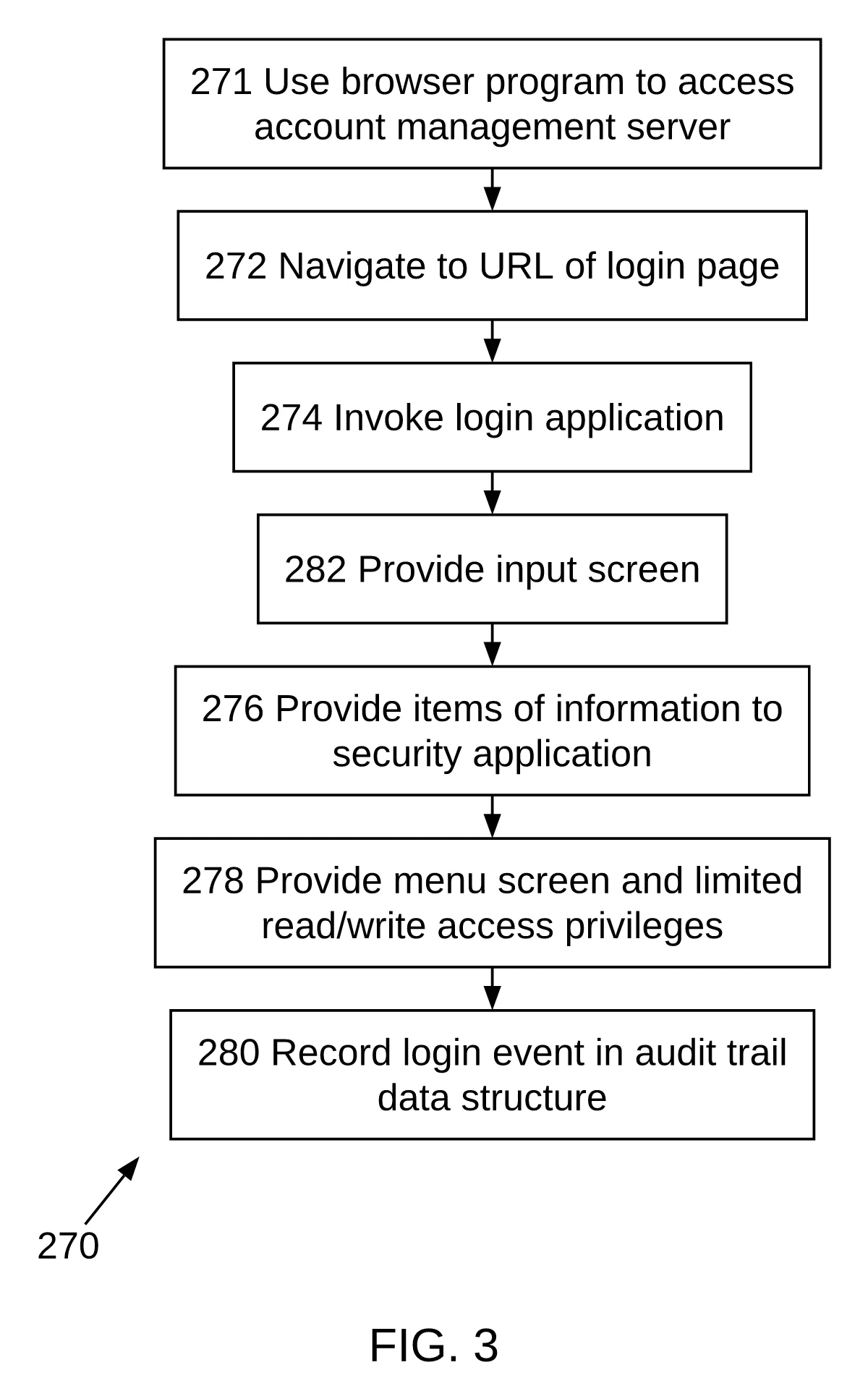
PatentQuill output
How to make patent drawings
- Patent drawing costPublished per-sheet prices from six services, DIY software costs and AI tool pricing, with sources checked 2026-11-11.6 min read
Illustration
Patent drawing cost